API Tokens
API Tokens
If you want to automate server provisioning, trigger deployments from a script, or connect FlyWP to an external tool — all without clicking through the browser — API tokens are how you do it. They give a script or service the same ability to act on your account that you have as a logged-in user, but with tighter, controllable permissions.
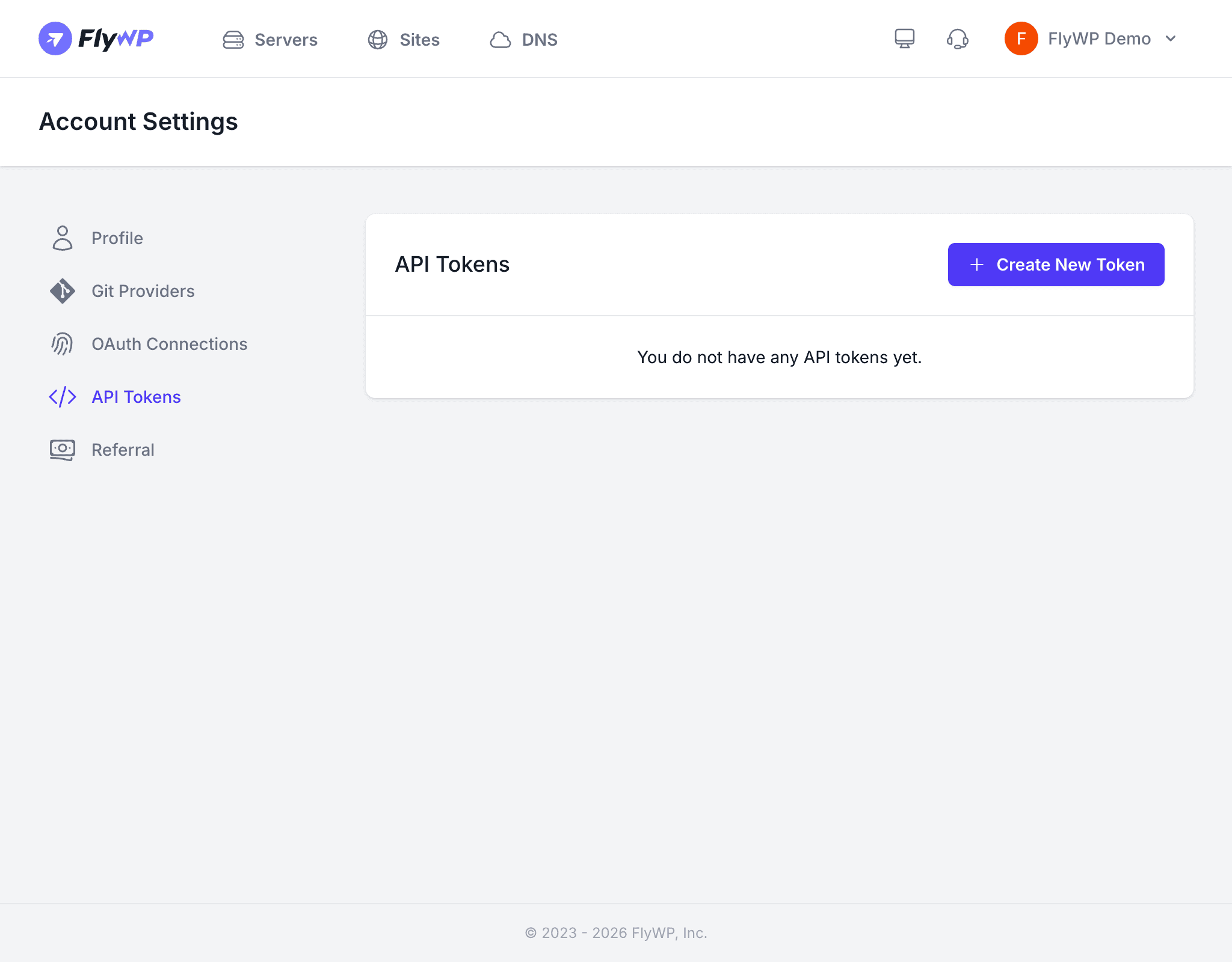
An API token (a secret string that acts as a password for programmatic access) lets you call the FlyWP API from CI/CD pipelines (automated build-and-deploy workflows), monitoring tools, custom scripts, or any third-party integration. Each token carries its own set of permissions, so you can limit exactly what it is allowed to do.
Creating a Token
To create a new token, follow these steps:
- Navigate to Account Settings > API Tokens.
- Click Create Token.
- Enter a descriptive Token Name (e.g.,
ci-deploy-pipelineormonitoring-script). - Select the permissions you want to grant this token. Only check the scopes the token actually needs.
- Click Create.
- Your new token is displayed on screen. Copy it immediately.
Tokens are only shown once at creation time. If you close the dialog without copying the token, you will need to delete it and create a new one. There is no way to retrieve the token value again after that point.
Token Permissions
When creating a token, you choose which operations it can perform. This follows the principle of least privilege — give each token only the access it needs, nothing more.
Common permission scopes include:
- Read — view servers, sites, and settings
- Create — provision servers and create sites
- Update — modify configurations and settings
- Delete — remove servers, sites, or other resources
Managing Existing Tokens
The API Tokens page displays a table of all your active tokens so you can track what is in use and clean up anything stale.
| Column | Description |
|---|---|
| Name | The label you gave the token |
| Last Used | When the token was last used to make an API request |
| Created | When the token was created |
| Actions | Delete the token |
Deleting a Token
Click the Delete button next to any token to revoke it immediately. Any scripts or integrations using that token will stop working as soon as FlyWP deletes it.
Using Your Token
Include the token in the Authorization header of your API requests:
Authorization: Bearer your-api-token-hereBest Practices
- Name tokens descriptively so you can identify their purpose months later.
- Rotate tokens periodically — delete old tokens and create fresh ones on a regular schedule.
- Delete tokens you no longer use to reduce your attack surface.
- Never share tokens across team members — each person should create their own token tied to their own account.