Cloudflare Integration
Cloudflare Integration
Automate DNS management and streamline site creation by connecting Cloudflare to your FlyWP team.
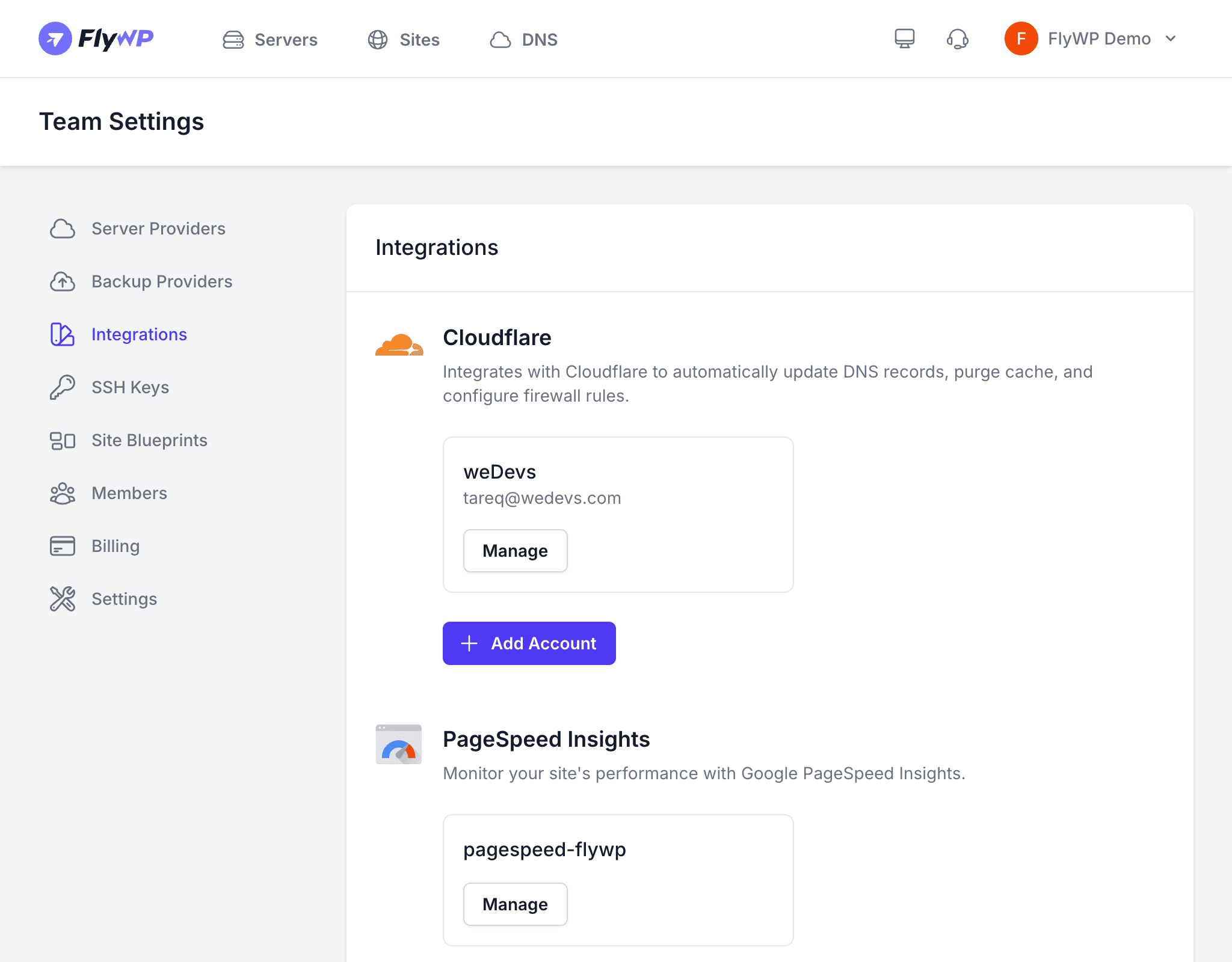
The Cloudflare integration connects your Cloudflare account to FlyWP so that DNS records, proxy settings, and WAF rules can be managed automatically. Instead of switching between dashboards every time you create a site or update a domain, FlyWP handles it for you.
What the Integration Enables
| Feature | Description |
|---|---|
| Automatic DNS Records | When you create a new site, FlyWP automatically adds the required A/AAAA records in Cloudflare pointing to your server’s IP address. |
| Proxy Detection | FlyWP detects whether a domain is using Cloudflare’s proxy (orange cloud) and adjusts the Nginx configuration accordingly — for example, trusting Cloudflare’s IP headers so you see real visitor IPs in your logs. |
| WAF Whitelisting | FlyWP can create WAF rules that whitelist its own IP addresses, ensuring that automated actions like updates, backups, and health checks are never blocked by Cloudflare’s firewall. |
| DNS Manager | Browse and manage all DNS records for your Cloudflare domains directly from the FlyWP dashboard. |
Connecting Cloudflare
- Navigate to Team Settings > Integrations.
- Click Add Integration and select Cloudflare.
- Enter a name for this connection (e.g.,
Production Cloudflare). - Paste your Cloudflare API token.
- Click Save.
Creating a Cloudflare API Token
FlyWP needs an API token with the following permissions:
| Permission | Access Level |
|---|---|
| Zone > DNS | Edit |
| Zone > Zone | Read |
| Zone > Firewall Services | Edit (optional, for WAF whitelisting) |
To create a token in Cloudflare:
- Log in to your Cloudflare dashboard.
- Go to My Profile > API Tokens.
- Click Create Token.
- Use the Edit zone DNS template as a starting point, then add any additional permissions listed above.
- Copy the generated token and paste it into FlyWP.
How Automatic DNS Works
When you add a domain to a site on a server connected to a Cloudflare integration:
- FlyWP checks whether the domain’s zone exists in your connected Cloudflare account.
- If it does, FlyWP creates an A record pointing the domain to your server’s IP address.
- If a record already exists, FlyWP updates it to point to the correct server.
This eliminates the manual step of logging into Cloudflare to add DNS records every time you create or move a site.
Automatic DNS only works for domains whose zones are on a connected Cloudflare account. If the domain is managed by a different DNS provider, you will need to add DNS records manually.
Managing the Integration
You can view, edit, or remove the Cloudflare integration from Team Settings > Integrations. Deleting the integration disconnects FlyWP from your Cloudflare account but does not remove any DNS records that were previously created.