FlyWP API
FlyWP API
If you manage multiple servers or sites, or you want to automate repetitive tasks without clicking through a dashboard, the FlyWP API (Application Programming Interface — a way for software to communicate with FlyWP programmatically) is your solution. Use it to spin up servers, deploy sites, trigger backups, and more — all from scripts, deployment pipelines, or your own tools.
The FlyWP API is a RESTful JSON API (a standard web-based interface that uses plain HTTP requests and returns data as JSON — a widely supported text format). Every action available in the FlyWP dashboard is also available through the API, which means you can fully automate your infrastructure management without any manual steps.
Authentication
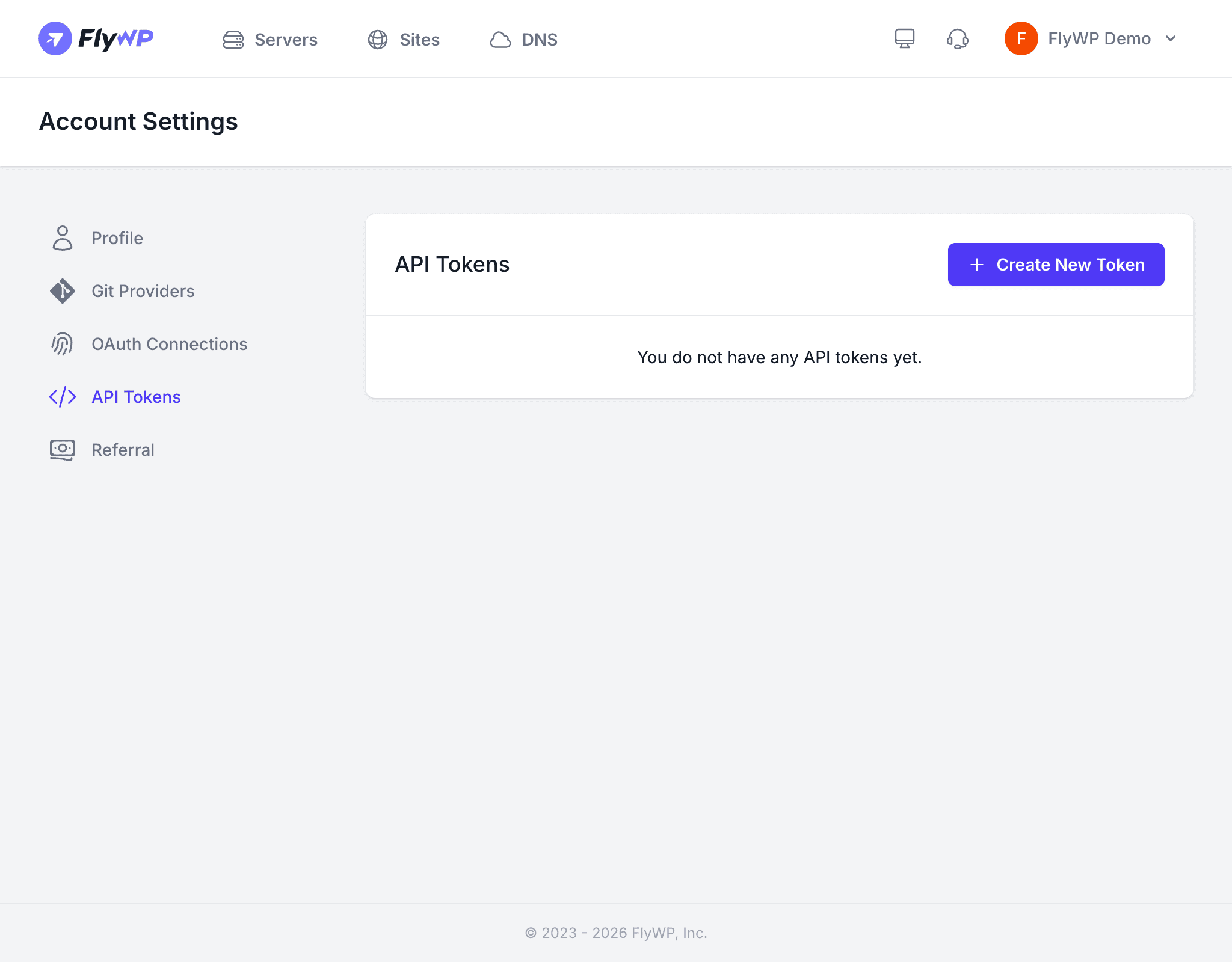
Every API request must include a Bearer token (a secret credential that proves your identity) in the Authorization header. You generate tokens from your Account Settings > API Tokens page — see Generating API Tokens below.
Authorization: Bearer your-api-token-hereAPI tokens grant full access to your FlyWP resources. Treat them like passwords — store them in environment variables or a secrets manager, and never commit them to version control.
Base URL
All API requests go to:
https://app.flywp.com/api/v1Request Format
FlyWP expects and returns JSON (JavaScript Object Notation — a plain-text data format that both humans and machines can read easily). Include these headers with every request:
- Content-Type:
application/json - Accept:
application/json - All request bodies should be JSON-encoded
- Responses are returned as JSON
Available Endpoints
The API covers all core areas of FlyWP. Each resource corresponds to something you can manage in the dashboard:
| Resource | Endpoints | Description |
|---|---|---|
| Servers | GET /servers, POST /servers, GET /servers/{id} | List, create, and inspect servers |
| Sites | GET /servers/{id}/sites, POST /servers/{id}/sites | List and create sites on a server |
| Databases | GET /servers/{id}/databases | List databases on a server |
| SSH Keys | GET /servers/{id}/ssh-keys, POST /servers/{id}/ssh-keys | Manage SSH keys (secure login credentials) on a server |
| Cron Jobs | GET /servers/{id}/crons, POST /servers/{id}/crons | Manage cron jobs (scheduled tasks that run automatically at set times) |
| Backups | GET /sites/{id}/backups, POST /sites/{id}/backups | List and trigger site backups |
Rate Limiting
To keep the service stable for everyone, FlyWP limits how many API requests you can send in a short window. The current limits are:
- 60 requests per minute per token
- FlyWP includes rate limit headers in every response (
X-RateLimit-Limit,X-RateLimit-Remaining) so your code can track usage - When you exceed the limit, you receive a
429 Too Many Requestsresponse
Error Handling
The API uses standard HTTP status codes to communicate what happened. If something goes wrong, check the status code first — it usually tells you exactly where the problem is:
| Status Code | Meaning |
|---|---|
200 | Success |
201 | Resource created |
400 | Bad request — check your request body |
401 | Unauthorized — invalid or missing token |
403 | Forbidden — token lacks required permissions |
404 | Resource not found |
422 | Validation error — check the errors field in the response |
429 | Rate limit exceeded |
500 | Server error — contact support if this persists |
Generating API Tokens
Before you can make API calls, you need a token. Here’s how to create one:
- Navigate to Account Settings > API Tokens.
- Click Create Token.
- Enter a descriptive name (e.g., “Deploy Script” or “CI Pipeline”) and select the required permissions.
- Copy the token immediately — FlyWP only shows it once.
For full token management details, including how to revoke tokens, see the API Tokens page.