Custom Server
Custom Server
Bring your own VPS from any hosting provider and let FlyWP set it up for you.
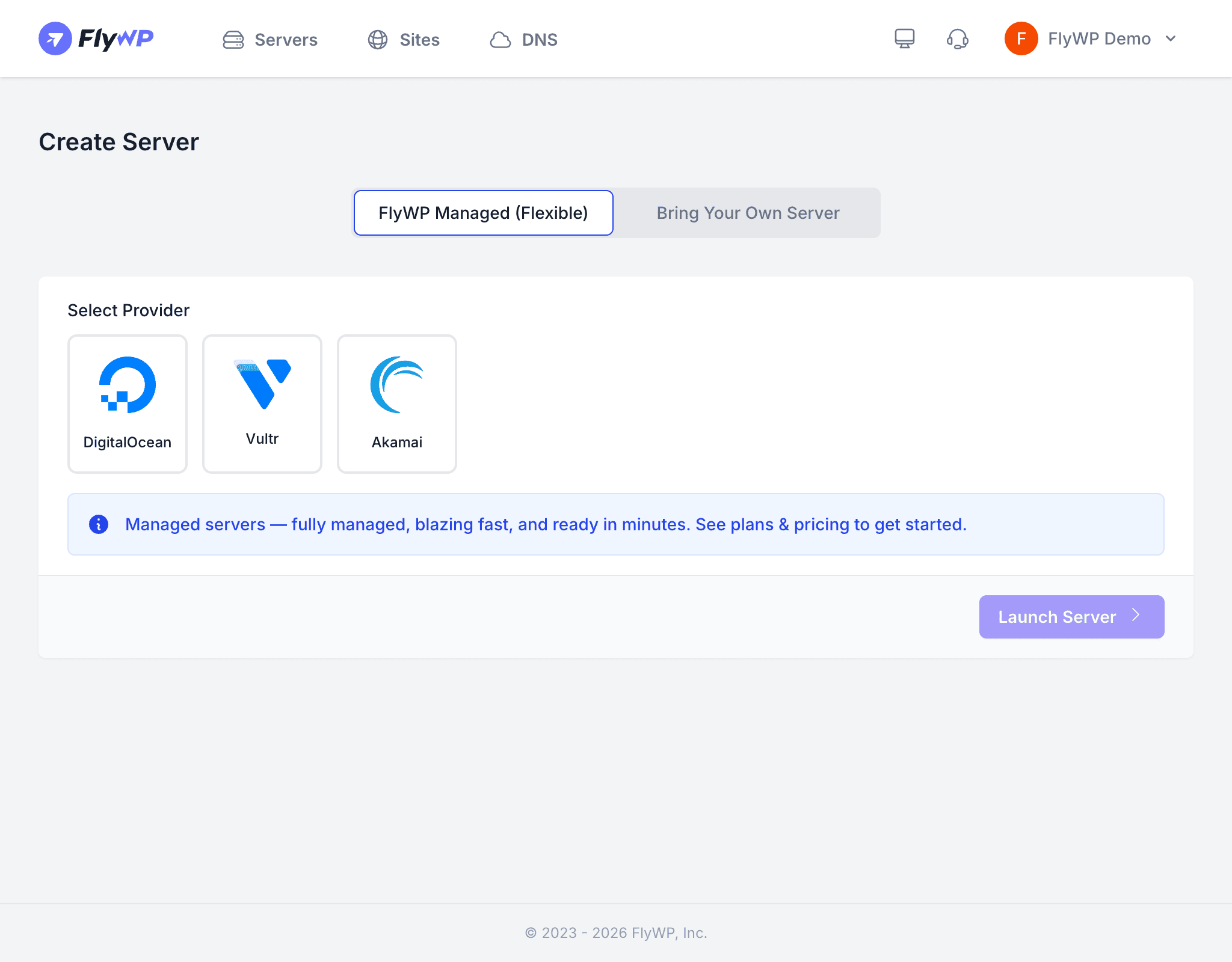
If your cloud provider is not directly supported by FlyWP, or you already have a VPS you want to use, the Custom server option lets you connect any server that has SSH access. FlyWP will SSH into the server and install its full stack automatically.
Requirements
Before you begin, make sure your server meets these requirements:
- A fresh VPS running a supported operating system (see below)
- Root SSH access (or a user with sudo privileges)
- A public IP address reachable from the internet
- Port 22 (or your custom SSH port) open for incoming connections
Your server must be a fresh installation with no pre-installed software such as Apache, Nginx, MySQL, Docker, or control panels (cPanel, Plesk, etc.). FlyWP needs a clean environment to install and configure its stack. Using a server with existing software will cause conflicts and provisioning failures.
Configuration Fields
| Field | Required | Description |
|---|---|---|
| IP Address | Yes | The public IP address of your server |
| Private IP | No | The private/internal IP address, used for private networking between servers in the same data center |
| Port | Yes | The SSH port (default: 22) |
| Server Hostname | Yes | A descriptive name for this server in your FlyWP dashboard |
| Operating System | Yes | Select from supported OS options (Ubuntu Server 24.04 LTS recommended) |
Step-by-Step Setup
- From the Servers page, click Create New Server.
- Under provider selection, choose Custom.
- Enter the IP Address of your server.
- Optionally enter a Private IP if your server supports private networking.
- Set the Port (leave as
22unless your server uses a non-standard SSH port). - Enter a Server Hostname (e.g.,
my-custom-server). - Select the Operating System running on your server.
- Click Launch Server.
What Happens Next
Once you click Launch Server, FlyWP will:
- Connect via SSH to your server using the IP and port you provided.
- Run its provisioning script, which installs and configures:
- Docker (containerization platform)
- Nginx (web server and reverse proxy)
- MySQL (database server)
- Redis (caching layer)
- Ofelia (job scheduler)
- FlyWP agent (for ongoing management)
- Report back to your dashboard when provisioning is complete.
This process typically takes 3—7 minutes depending on your server’s location and internet speed.
When to Use a Custom Server
- Your preferred hosting provider is not in FlyWP’s supported list (e.g., OVH, Contabo, Oracle Cloud)
- You have spare server capacity you want to put to use
- Your organization requires servers in a specific data center or region not covered by supported providers
- You want to use a bare-metal dedicated server instead of a VPS