Server Architecture
Server Architecture
A high-level overview of how FlyWP structures and isolates services on your server.
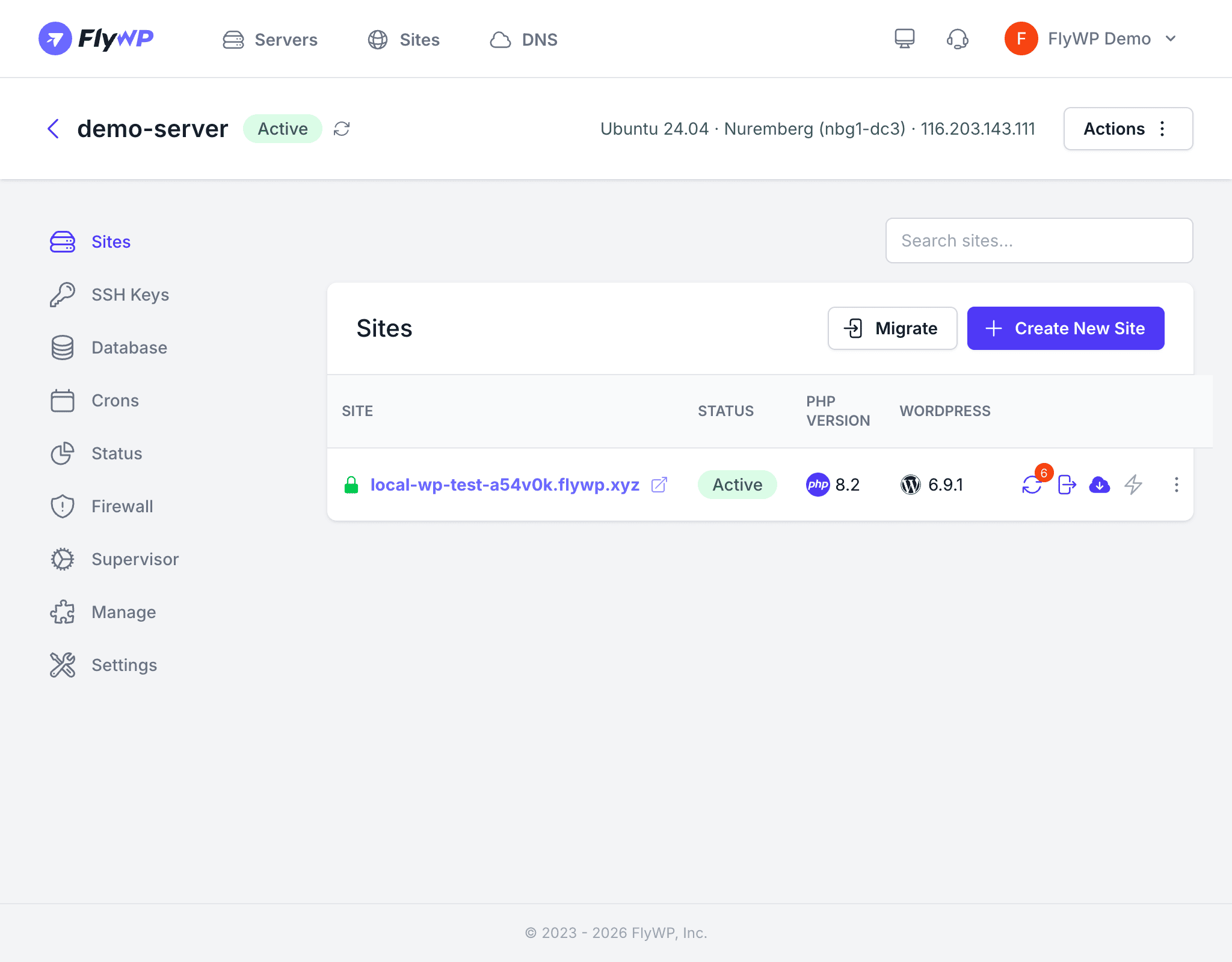
Every FlyWP server follows the same architecture: a hardened Ubuntu host running Docker, with each WordPress site isolated in its own container. Shared services like MySQL and Redis run as server-level containers, while per-site services (PHP, Nginx or OpenLiteSpeed) run inside each site’s container.
Operating System
FlyWP provisions servers on Ubuntu 22.04 LTS or Ubuntu 24.04 LTS. LTS (Long Term Support) releases receive security patches for five years, providing a stable and well-supported foundation.
Docker-Based Isolation
Docker is the cornerstone of FlyWP’s architecture. Every site runs inside its own container, which provides:
- Process isolation — a crash or runaway process in one site cannot affect another
- File system isolation — each site has its own file system; sites cannot read or write each other’s files
- Resource boundaries — containers can be individually monitored for CPU, RAM, and disk I/O
Docker Configuration
| Setting | Value |
|---|---|
| Storage driver | overlay2 |
| Network subnet pool | 172.80.0.0/16 |
| Per-network allocation | /24 (254 usable addresses) |
| Log driver | JSON file |
| Max log size | 100 MB per file |
| Max log files | 3 (rotated automatically) |
System User
All operations run under the fly user, which has both sudo and Docker group access. The root user is not used for day-to-day operations. SSH password authentication is disabled — only key-based access is allowed.
Server-Level Services
These services run once per server and are shared across all sites:
| Service | Purpose |
|---|---|
| MySQL | Relational database engine — each site gets its own database and user |
| Redis | In-memory cache — each site connects to its own logical database |
| Docker Engine | Runs and manages all containers |
| SSH | Secure remote access on port 22 |
| Cron | System-level scheduled tasks |
| Supervisor | Manages long-running background processes (queue workers, daemons) |
| UFW | Firewall management |
| Unattended Upgrades | Automatic security patching |
Per-Site Services
Each site container includes its own set of services:
| Service | Options |
|---|---|
| PHP | 7.4, 8.0, 8.1, 8.2, 8.3, or 8.4 — selected per site, not per server |
| Web Server | Nginx or OpenLiteSpeed — selected per site |
| SSL | Let’s Encrypt certificates with automatic renewal |
This means two sites on the same server can run entirely different PHP versions and web servers without conflicts.
How Sites Share Infrastructure
Although sites are isolated at the container level, they share certain server-level resources:
- Ports 80 and 443 — a reverse proxy (Nginx) routes incoming HTTP/HTTPS traffic to the correct site container based on the domain name
- MySQL — all sites connect to the same MySQL instance, but each site has a dedicated database and user with access limited to that database only
- Redis — all sites connect to the same Redis instance, but each uses a separate logical database to avoid key collisions
Security Layers
FlyWP applies multiple security measures at the server level:
- SSH hardening — password auth disabled, host keys regenerated at provision time
- UFW firewall — only ports 22, 80, and 443 open by default
- Automatic security patches — applied during the maintenance window via
unattended-upgrades - Docker isolation — containers cannot access each other’s processes or files
- Non-root operations — everything runs as the
flyuser