Server Ports and Services
Server Ports and Services
A complete reference of every port and service running on your FlyWP server.
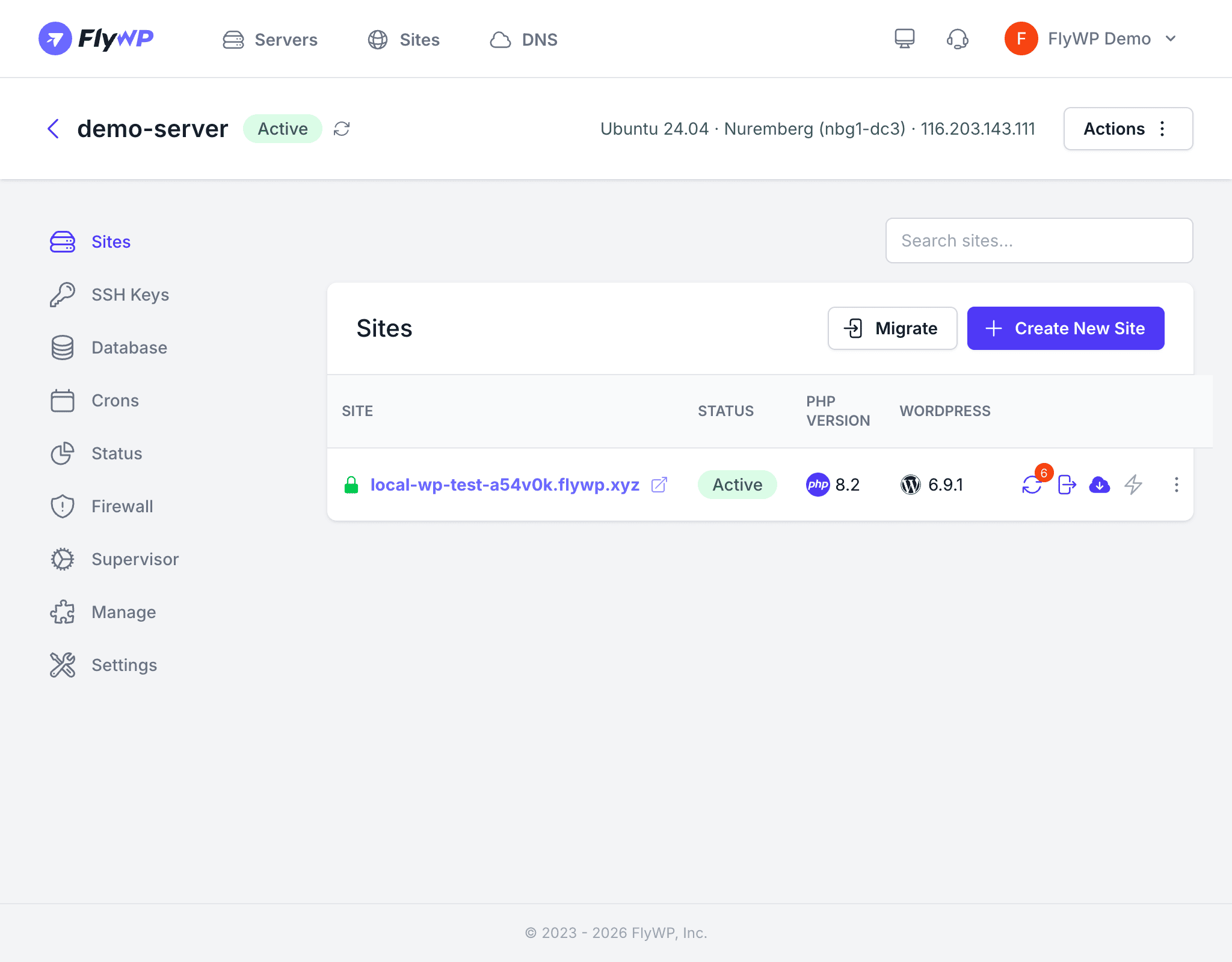
Understanding which services run on your server and which ports they use helps you configure firewall rules, debug connectivity issues, and plan your security posture. This page lists every service a FlyWP server runs and whether its port is publicly exposed.
Publicly Exposed Ports
These ports are open in the firewall by default and accept connections from the internet:
| Port | Protocol | Service | Purpose |
|---|---|---|---|
| 22 | TCP | SSH | Secure shell access for the fly user |
| 80 | TCP | Nginx (reverse proxy) | Handles HTTP traffic and redirects to HTTPS |
| 443 | TCP | Nginx (reverse proxy) | Handles HTTPS traffic with SSL termination |
All incoming web traffic on ports 80 and 443 passes through a server-level Nginx reverse proxy, which routes requests to the correct site container based on the domain name in the request.
The default firewall rules for ports 22, 80, and 443 are essential for your server to function. Removing them will lock you out of SSH access or make your sites unreachable. Do not delete these rules unless you know exactly what you are doing.
Internal Services (Not Publicly Exposed)
These services run inside Docker and are not accessible from the internet by default. They communicate with site containers over Docker’s internal network:
| Service | Internal Port | Purpose |
|---|---|---|
| MySQL | 3306 | Relational database — stores WordPress data |
| Redis | 6379 | In-memory cache — used for object caching and sessions |
Background Services
These services run on the host operating system and do not listen on a network port:
| Service | Purpose |
|---|---|
| Docker Engine | Manages all site containers, networks, and volumes |
| Supervisor | Keeps long-running processes alive (e.g., Laravel queue workers, custom daemons) |
| Cron | Executes scheduled tasks at defined intervals |
| UFW | Manages the server’s iptables-based firewall rules |
| Unattended Upgrades | Automatically applies security patches during the maintenance window |
How Traffic Flows
When a visitor requests a page on one of your sites, the traffic follows this path:
- The request arrives at the server on port 80 (HTTP) or port 443 (HTTPS).
- The server-level Nginx reverse proxy inspects the
Hostheader to determine which site the request is for. - Nginx forwards the request to the correct site container.
- Inside the container, the site’s own web server (Nginx or OpenLiteSpeed) processes the request and hands it to PHP.
- PHP queries MySQL for data and optionally reads from Redis for cached content.
- The response travels back through the same chain to the visitor.
Opening Additional Ports
If you run a custom service that needs to be accessible from the internet (for example, a Node.js app on port 3000), you must add a firewall rule:
- Go to your server’s Firewall tab.
- Click Add New Rule.
- Set the Port, Protocol, and From (use a specific IP when possible instead of Anywhere).
- Click Save.
Best Practices
- Never expose MySQL or Redis publicly — if you need remote access, restrict the firewall rule to your specific IP address.
- Audit open ports regularly — remove firewall rules for services you no longer use.
- Use the Manage tab to check which services are running and restart them if needed.
- Keep SSH on port 22 — changing the SSH port provides minimal security benefit and can cause confusion. Use IP whitelisting instead for stronger protection.