Create a New Team
Create a New Team
If you manage multiple clients, run separate environments, or work with a team of collaborators, creating an additional workspace in FlyWP keeps everything cleanly separated. Each team has its own servers, billing, and members — so a mistake or change in one team never affects another.
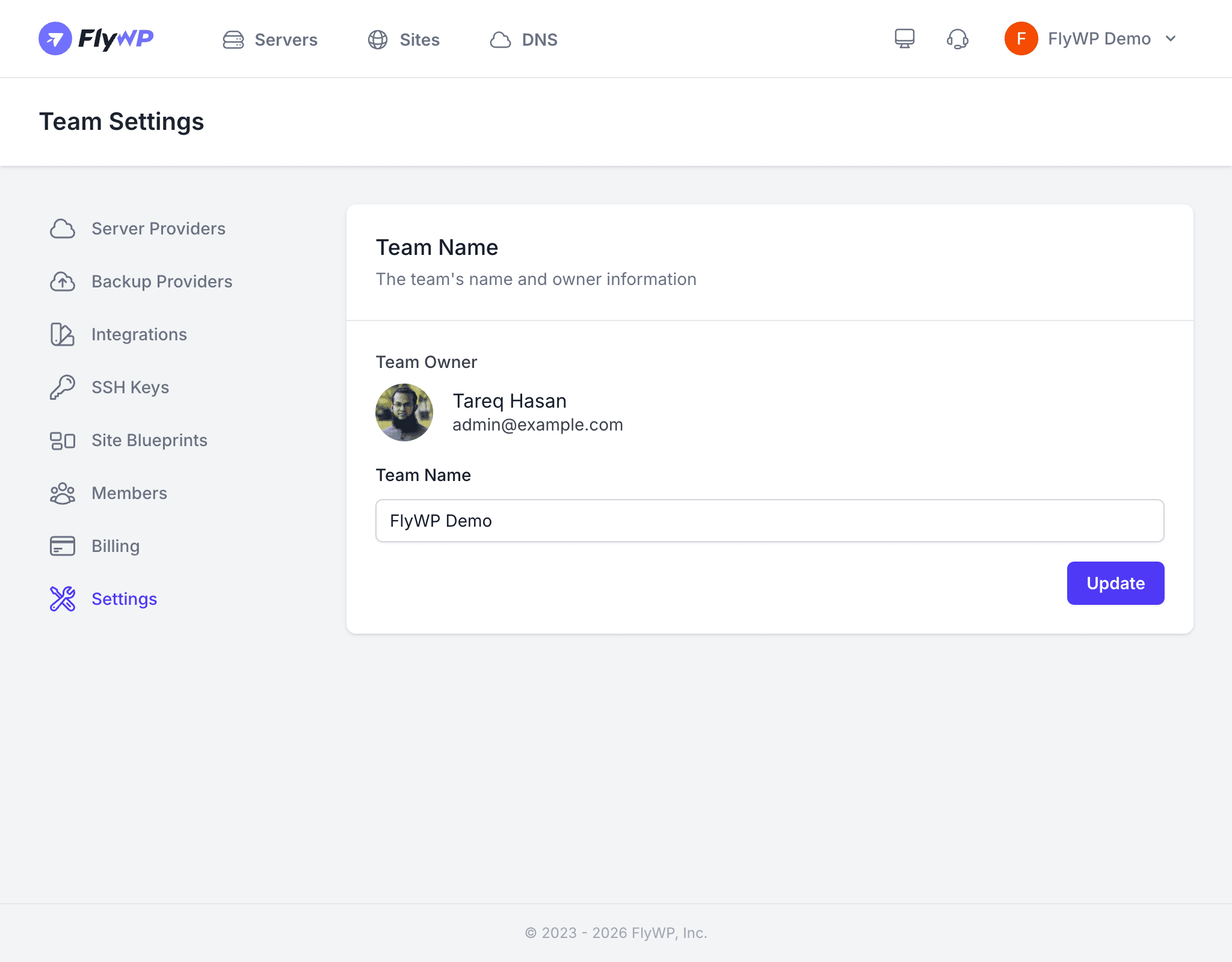
A team is an organizational workspace that groups together your servers, sites, billing, integrations (connected third-party services), and members. When you sign up for FlyWP, a personal team is created automatically. You can create additional teams to separate projects, clients, or environments.
Why Create Multiple Teams?
The most common reason to create a second team is client isolation — each client gets their own billing, server access, and configuration. Here are the scenarios where multiple teams pay off:
| Scenario | Benefit |
|---|---|
| Agency with multiple clients | Each client gets isolated servers, billing, and access controls |
| Separate production and staging | Different provider credentials and configurations per environment |
| Department-level organization | Marketing, engineering, and operations each manage their own resources |
How to Create a Team
Creating a team takes about thirty seconds. FlyWP switches you into the new workspace as soon as it is created.
- Click the team switcher in the top-left corner of the navigation bar.
- Click Create New Team.
- Enter a Team Name that clearly identifies its purpose (e.g.,
Acme Corp Production). - Click Create.
Your new team is ready immediately. It starts with a clean slate — no servers, sites, or connected providers.
What to Set Up Next
After creating a team, work through these steps to make it operational:
- Connect a server provider — link your DigitalOcean, Vultr, Hetzner, or AWS (Amazon Web Services) account so you can provision (create and configure) servers.
- Add a backup provider — connect cloud storage such as S3, R2, or Google Drive for automated site backups.
- Connect integrations — add Cloudflare for automated DNS (Domain Name System — the system that maps domain names to servers) management.
- Invite team members — bring in developers, admins, or clients and assign roles.
- Set up billing — choose a subscription plan and add a payment method.
Team Ownership
The person who creates a team becomes its owner. The owner has full control over billing, settings, member management, and the ability to delete the team.