Custom S3-Compatible Provider
Custom S3-Compatible Provider
Your favorite storage service not on FlyWP’s built-in list? No problem — if it speaks S3, FlyWP can use it. The custom S3-compatible provider lets you store site backups on virtually any modern object storage service, giving you full control over where your data lives and what you pay for storage.
S3-compatible means the service uses the same API (application programming interface — the communication standard) that Amazon S3 pioneered, which has since become the industry default for object storage. Services like MinIO (self-hosted open-source storage), Backblaze B2, Storj, Linode Object Storage, and many others all speak this protocol, so FlyWP can back up to any of them using the same workflow.
Prerequisites
Before connecting a custom provider, you need:
- An account with an S3-compatible storage service
- A bucket (a named container for your files) created on that service
- API credentials (access key and secret key) with read/write permissions on the bucket
- The endpoint URL (the web address of your provider’s S3-compatible API)
Required Credentials
| Field | Description |
|---|---|
| Endpoint URL | The S3-compatible API endpoint (e.g., https://s3.us-west-001.backblazeb2.com) |
| Access Key | Your provider’s access key or application key ID |
| Secret Key | Your provider’s secret key or application key |
| Bucket | The name of your storage bucket |
| Region | The region identifier for your bucket (e.g., us-west-001) |
Setup Steps
Here is how to connect your custom provider to FlyWP:
- Create a bucket and API credentials on your chosen storage provider.
- Copy the S3-compatible endpoint URL from your provider’s documentation — it will look like a standard web address.
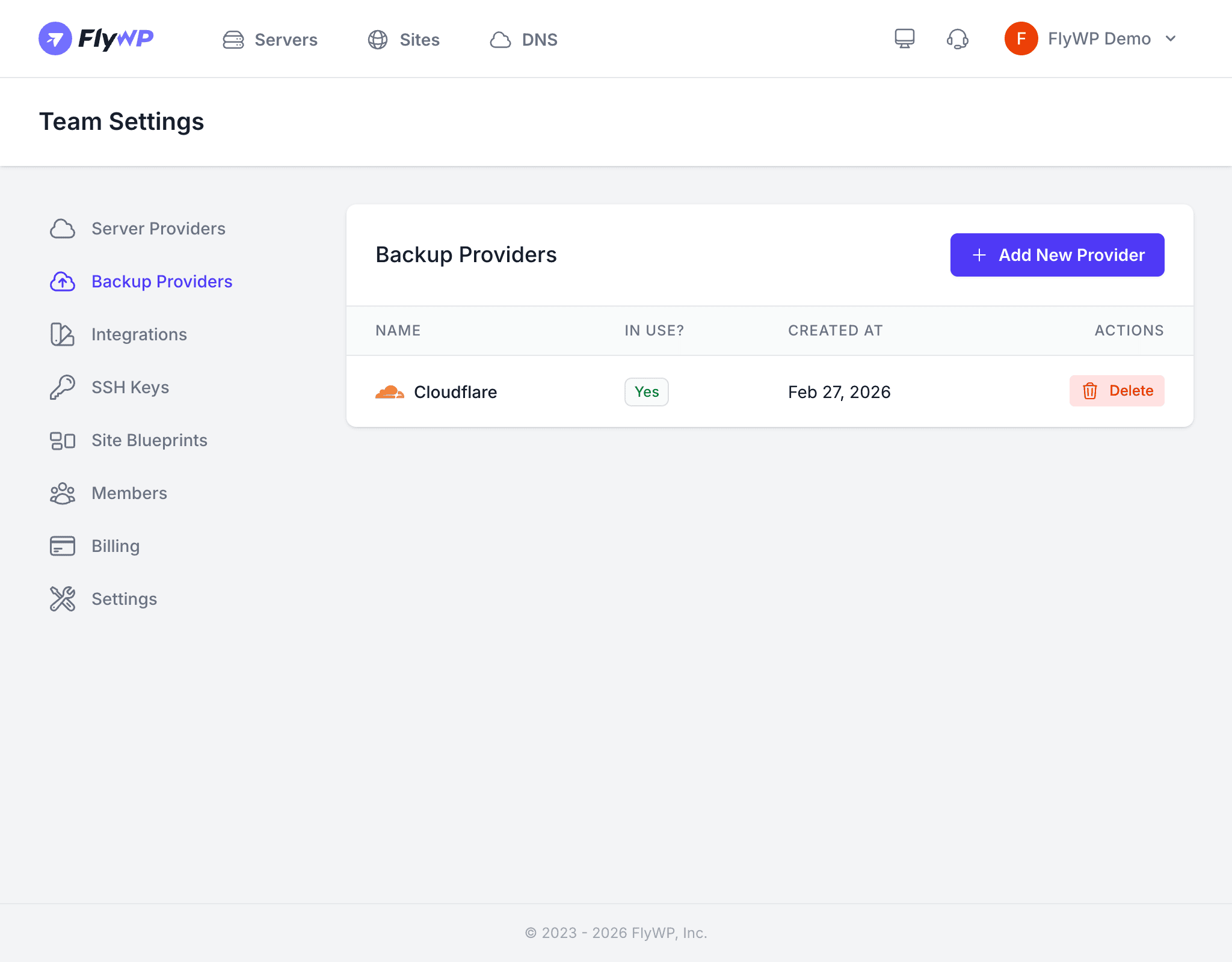
- In FlyWP, go to Team Settings > Backup Providers.
- Click Add Provider and select Custom (S3-Compatible).
- Enter the endpoint URL, credentials, bucket name, and region.
- Click Save.
FlyWP validates the connection by testing access to your bucket before saving — so you will know right away if something is misconfigured.
Common S3-Compatible Services
| Service | Example Endpoint |
|---|---|
| MinIO | https://minio.yourdomain.com |
| Backblaze B2 | https://s3.us-west-001.backblazeb2.com |
| Linode Object Storage | https://us-east-1.linodeobjects.com |
| Storj | https://gateway.storjshare.io |
| UpCloud | https://objectstorage.de-fra1.upcloud.com |
Not all S3-compatible services implement every S3 API operation. FlyWP requires basic object operations (put, get, delete, list). If backups fail with API errors, verify that your provider supports these operations before troubleshooting elsewhere.
Using the Provider
Once connected, select your custom provider as the storage destination when configuring backups for any site on your team. FlyWP uses standard S3 API calls throughout, so the experience is identical to using Amazon S3 — your chosen provider is just on the other end.