Cloudflare R2
Cloudflare R2
If you restore backups often — or just want to keep costs predictable — Cloudflare R2 is worth a close look. Unlike most cloud storage providers, R2 charges nothing for egress (the fee providers charge when you download your own data). You pay only for storage and the operations FlyWP performs to read and write your backups, so there are no surprise bills when you restore a site or pull a backup for local testing.
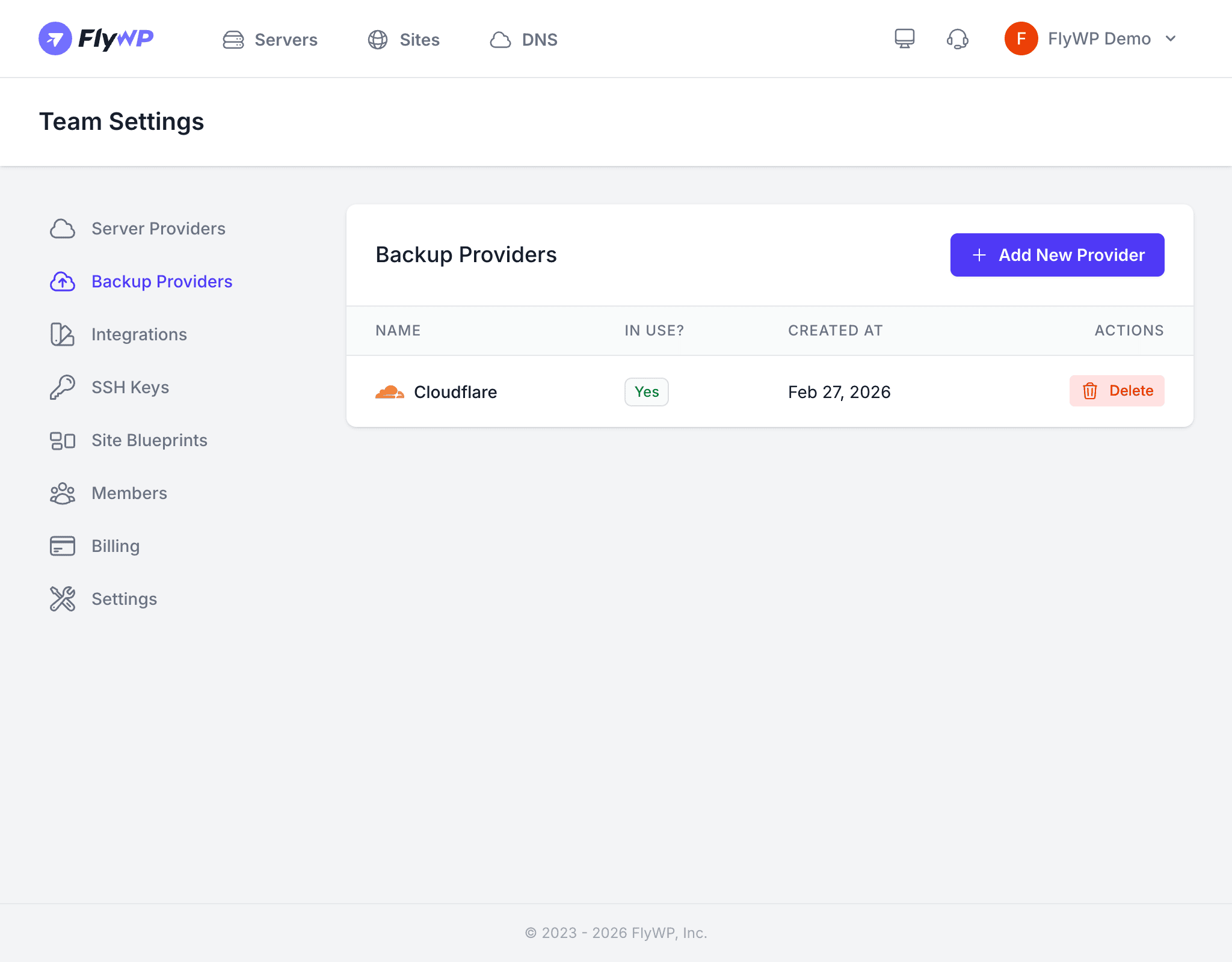
R2 is S3-compatible (meaning it speaks the same API protocol as Amazon S3, so FlyWP connects to it the same way) and is a strong choice for teams that run frequent restores or migrations across multiple sites.
Prerequisites
Before connecting Cloudflare R2, you need:
- A Cloudflare account
- An R2 bucket (a storage container in your Cloudflare dashboard where your backup files will live)
- An R2 API token (a set of credentials that grants FlyWP read and write access to your bucket)
Required Credentials
Once you have your bucket and API token ready, gather these four values from Cloudflare:
| Field | Description |
|---|---|
| Account ID | Your Cloudflare account ID (found in the dashboard sidebar) |
| Access Key ID | The access key from your R2 API token |
| Secret Access Key | The secret key from your R2 API token |
| Bucket Name | The name of your R2 bucket |
Setup Steps
- Log in to your Cloudflare Dashboard.
- Navigate to R2 Object Storage and create a new bucket.
- Go to R2 > Manage R2 API Tokens and create a new token with Object Read & Write permissions.
- Copy the Access Key ID, Secret Access Key, and your Account ID.
- In FlyWP, go to Team Settings > Backup Providers.
- Click Add Provider and select Cloudflare R2.
- Enter your credentials and click Save.
Pricing Notes
Cloudflare R2 charges for:
- Storage — per GB stored per month
- Class A operations — writes and lists (per 1 million requests)
- Class B operations — reads (per 1 million requests)
There are no egress fees for data you download from R2 — restoring a large site costs the same as restoring a small one from a transfer perspective.
Using the Provider
Once connected, select Cloudflare R2 as the storage provider when configuring backups for any site on your team. FlyWP communicates with R2 using the standard S3 API (the same protocol Amazon S3 uses, which R2 supports natively), so no extra configuration is needed beyond your credentials.