What is the FlyWP Bot?
What is the FlyWP Bot?
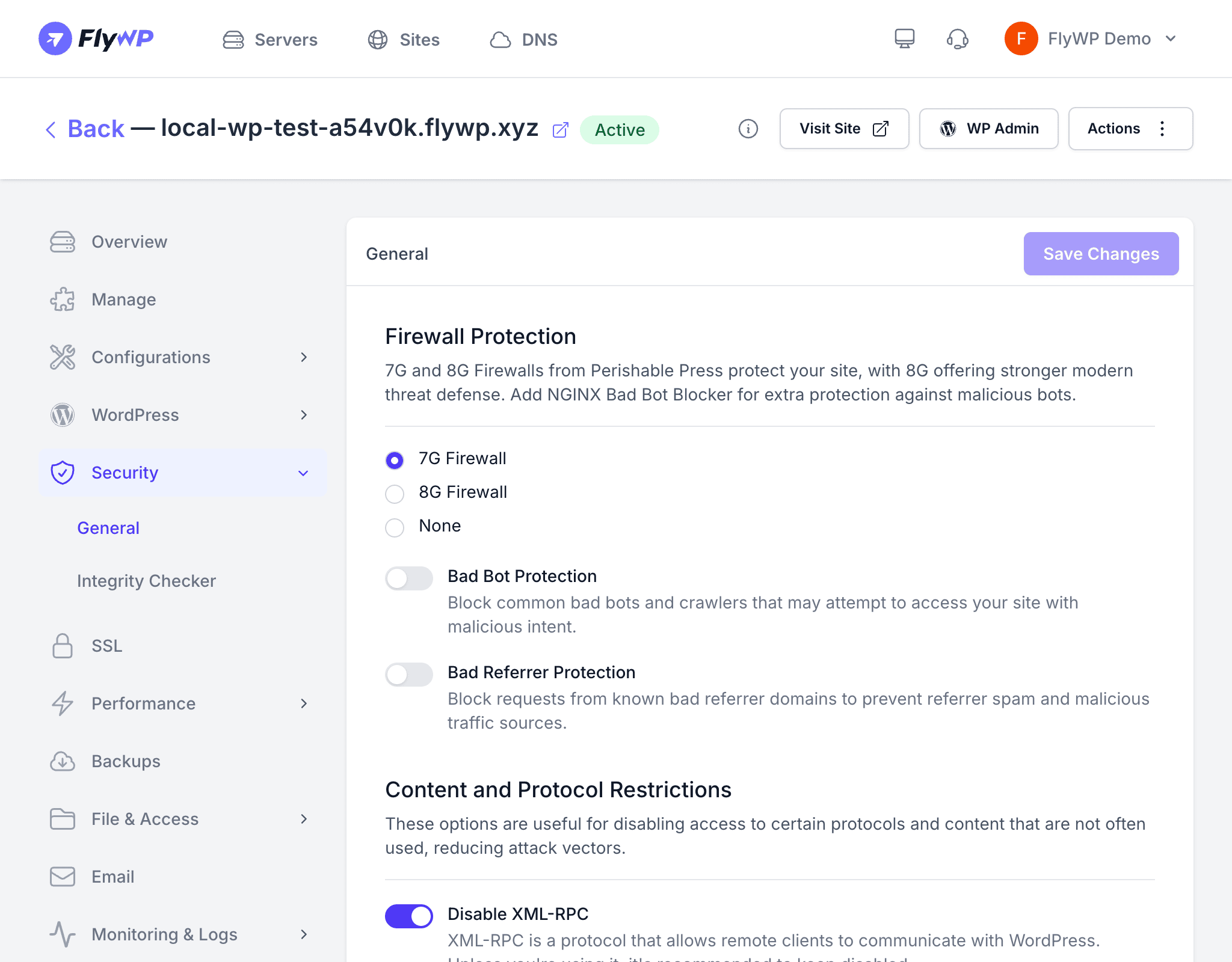
Behind the scenes, FlyWP runs a built-in automated account called the FlyWP Bot that quietly handles the maintenance work you would otherwise have to remember yourself. It renews SSL certificates (the security layer that enables HTTPS on your sites) before they expire, runs scheduled backups, and scans for vulnerabilities — so your servers stay healthy without you having to set reminders or run manual checks.
What the FlyWP Bot Does
The FlyWP Bot runs continuously in the background and covers the tasks that keep your infrastructure healthy and secure:
| Task | Description |
|---|---|
| Automated backups | Runs scheduled site backups according to your backup configuration |
| SSL certificate renewals | Renews Let’s Encrypt certificates (free, auto-issued HTTPS certificates) before they expire |
| Vulnerability scans | Checks installed plugins, themes, and WordPress core against known vulnerability databases |
| Integrity checks | Compares core and plugin files against their official versions to detect unauthorized modifications |
| Server health monitoring | Monitors server resource usage and service status |
Identifying Bot Actions
When you review activity logs in the FlyWP dashboard, actions performed by the bot appear as FlyWP Bot in the actor column. This makes it straightforward to distinguish automated maintenance from actions taken by you or your team members.
Frequently Asked Questions
Can I control which tasks the bot runs? Some bot tasks are configurable. For example, you can set backup schedules and enable or disable vulnerability scanning. However, core system tasks like SSL renewals and health checks always run.
Does the bot make changes to my WordPress sites? The bot does not modify your site content, plugins, or themes unless you have configured automatic updates. Its primary role is monitoring, scanning, and running backups.
Why do I see bot activity at unusual times? The bot schedules tasks based on server timezone and optimal system load. Some tasks, like SSL renewals, may run at off-peak hours to minimize impact on site performance.