Provision Servers
Connect your cloud provider (DigitalOcean, Vultr, AWS, Hetzner, Akamai) or bring your own server. FlyWP handles all the setup.
FlyWP is a WordPress server management platform that takes the complexity out of hosting. Whether you’re running a personal blog or managing dozens of client sites, FlyWP gives you a beautiful dashboard to provision servers, deploy WordPress sites, manage backups, configure security, and monitor performance — all without touching the command line.
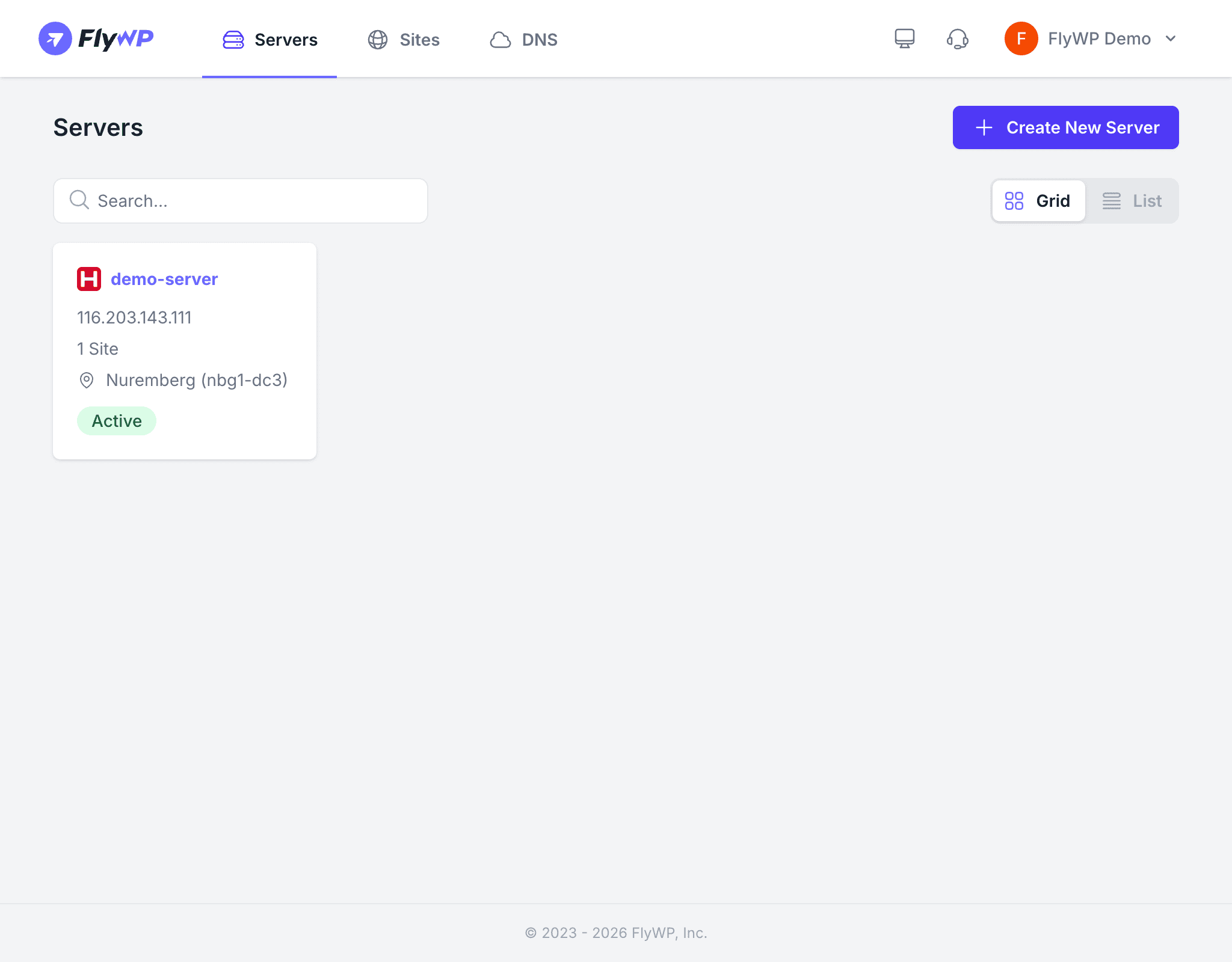
Connect your cloud provider (DigitalOcean, Vultr, AWS, Hetzner, Akamai) or bring your own server. FlyWP handles all the setup.
Create WordPress, Bedrock, or static sites with one click. Automatic SSL, optimized Nginx configuration, and Redis caching included.
Schedule automatic backups to S3, Backblaze, DigitalOcean Spaces, Google Drive, Dropbox, and more. Restore with one click.
Built-in firewall rules, bot protection, directory protection, XML-RPC blocking, and vulnerability scanning keep your sites safe.
Track server resources, site uptime, and page speed scores. Get alerted when something needs attention.
Invite team members with granular permissions. Manage everything under one team with shared server providers and integrations.
New to FlyWP? Follow these guides to get your first site online:
Sign up for FlyWP and choose a plan that fits your needs.
Link your DigitalOcean, Vultr, AWS, Hetzner, or Akamai account — or connect a custom server.
Choose a region and server size. FlyWP installs everything automatically in minutes.
Pick a domain, configure WordPress, and FlyWP handles the rest — including SSL certificates.
Ready to dive in? Start with the Quickstart Guide.
Before you begin, here are a few terms you’ll see throughout the docs:
| Term | What it means |
|---|---|
| Server | A virtual machine (VPS) in the cloud that runs your websites |
| Site | A WordPress installation (or other app) hosted on a server |
| Team | Your organizational unit — servers, sites, billing, and members all belong to a team |
| Provider | The cloud company that hosts your server (DigitalOcean, Hetzner, etc.) |
| Stack | The software that powers your site — Nginx or OpenLiteSpeed |