Delete a Team
Delete a Team
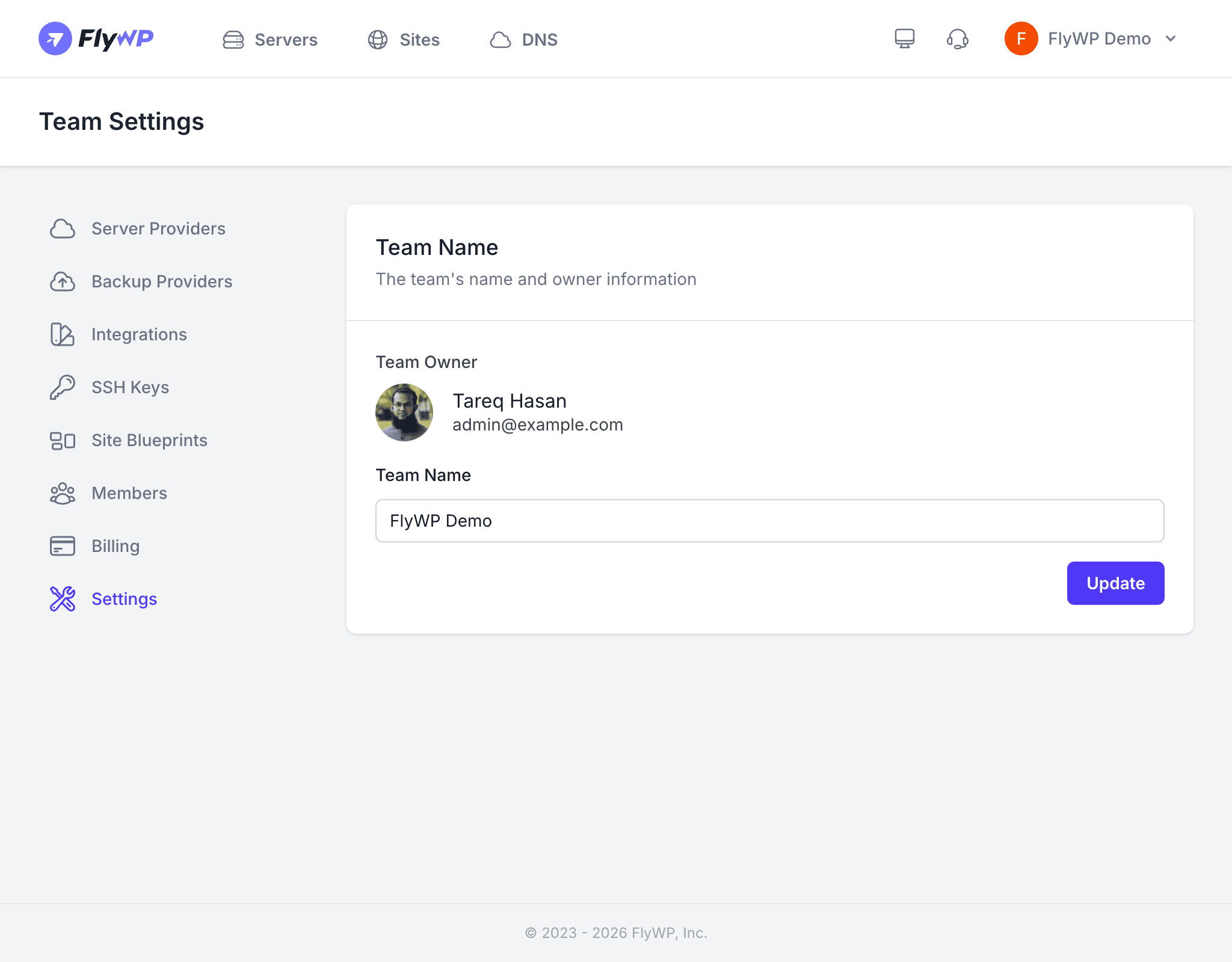
When a project wraps up, a client relationship ends, or you are consolidating workspaces, deleting a team lets you cleanly remove everything associated with it — servers, sites, and billing — in one step. This is the right move when you are done with a team entirely and do not want it taking up space or generating charges.
Deleting a team is permanent and cannot be undone. All servers, sites, databases, backups, and configurations belonging to the team will be destroyed. Make absolutely sure you have migrated or backed up anything you need before proceeding.
What Happens When You Delete a Team
Here is a clear breakdown of what happens to each resource when you delete a team.
| Resource | What Happens |
|---|---|
| Servers | Destroyed on the cloud provider (DigitalOcean, Vultr, AWS, etc.) |
| Sites | Permanently deleted along with their files and databases |
| Backups | Removed from FlyWP; files already stored on external providers (S3, R2, Cloudflare R2, etc.) are not deleted |
| Members | Lose access to the team immediately; their personal FlyWP accounts are unaffected |
| Billing | Subscription is cancelled and no further charges are incurred |
| Integrations | Disconnected from Cloudflare (a DNS and CDN — content delivery network — service) and other services; external resources remain intact |
Prerequisites
Before deleting a team, you must take care of a few things to avoid surprises.
- Be the team owner — only the owner can delete a team.
- Cancel the subscription — navigate to Team Settings > Billing and cancel the active plan first.
- Back up any data you need — download site backups, export databases, or migrate sites to another team.
How to Delete a Team
Once you have completed the prerequisites, the deletion itself takes only a moment.
- Navigate to Team Settings > Settings.
- Scroll to the Delete Team section at the bottom of the page.
- Click Delete Team.
- Confirm by typing the team name when prompted.
- Click Confirm Deletion.
FlyWP removes the team and all of its resources immediately.
Frequently Asked Questions
Can I recover a deleted team? No. Once a team is deleted, all associated data is permanently removed and cannot be restored.
What if I am not the team owner? Only the team owner can delete a team. If you need the team deleted, ask the owner to do it or contact FlyWP support for ownership transfers.
Will I be charged after deleting the team? No. Cancelling the subscription and deleting the team stops all future billing.