Integrations
Integrations
If you have ever launched a new WordPress site and then had to stop, log into Cloudflare, find the right domain, and manually add DNS records just to make the site go live — this feature is for you. Connecting an integration means FlyWP can handle those repetitive steps automatically, so your site is reachable the moment you finish creating it.
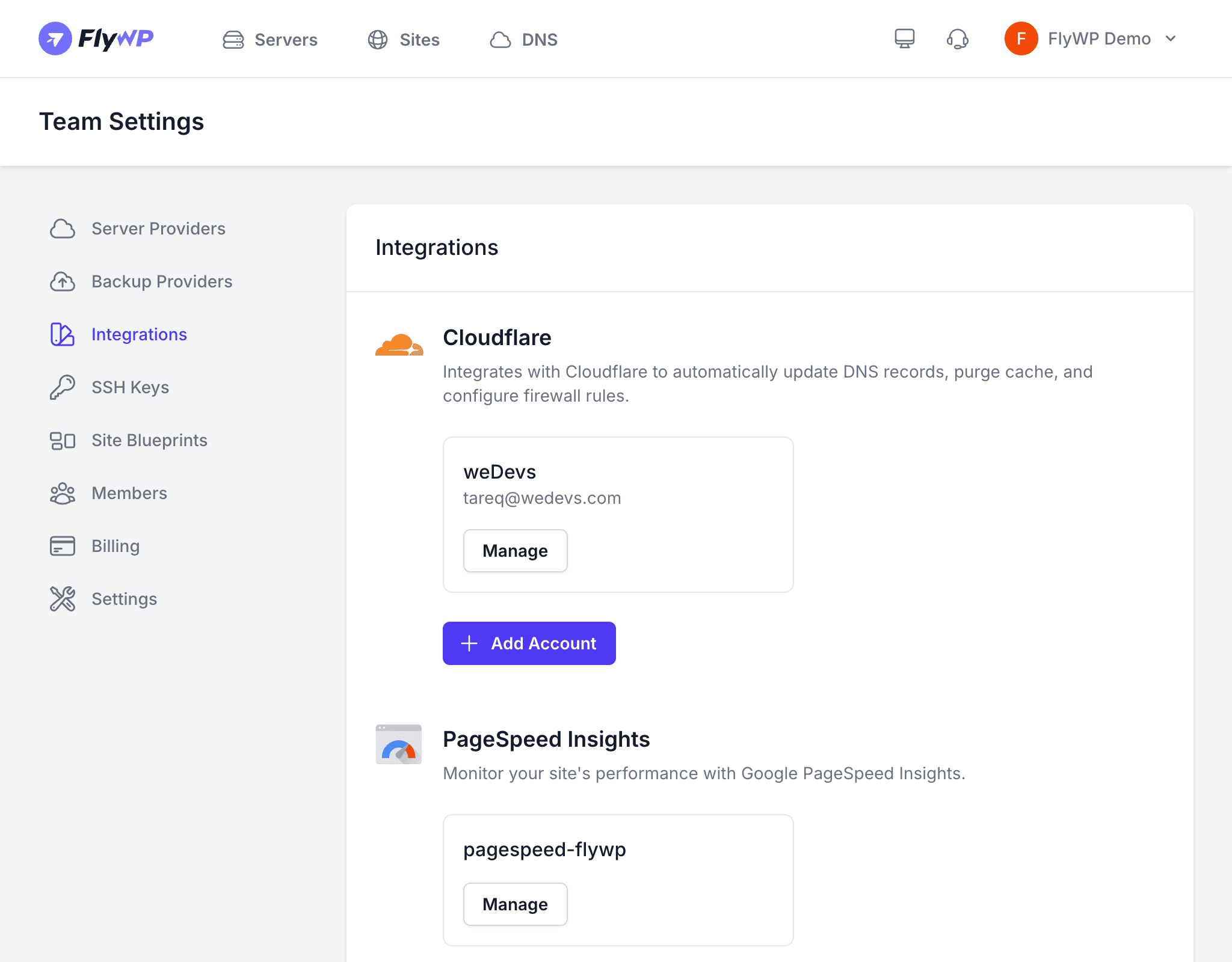
Integrations let you link external platforms to your FlyWP team. Currently, FlyWP supports Cloudflare as an integration, which enables automated DNS (Domain Name System — the system that maps domain names to server IP addresses) record management directly from the FlyWP dashboard.
Available Integrations
| Integration | What It Does |
|---|---|
| Cloudflare | Manages DNS records for domains on your Cloudflare account. FlyWP can automatically create and update DNS records when you add or modify sites. |
Connecting Cloudflare
To get started, you will need a Cloudflare API token (a secure key that gives FlyWP permission to manage DNS on your behalf — it never exposes your Cloudflare password).
- Navigate to Team Settings > Integrations.
- Click Add Integration.
- Select Cloudflare.
- Enter a name for this connection (e.g.,
Main Cloudflare Account). - Paste your Cloudflare API token.
- Click Save.
How FlyWP Uses Cloudflare
Once connected, the Cloudflare integration unlocks two key capabilities.
Automated DNS During Site Creation
When you create a new site and the domain is on a connected Cloudflare account, FlyWP automatically creates the required DNS records — specifically A records (entries that point a domain name to a server’s IP address) — so the site resolves correctly without any manual work on your end.
DNS Manager
The Cloudflare integration powers the DNS Manager page in FlyWP. From there, you can browse all domains in your Cloudflare account and manage their DNS records (A, AAAA, CNAME, MX, TXT, and more) without leaving FlyWP.
Managing Integrations
The integrations table lists all connected services with their name, type, creation date, and available actions. If you need to rotate a token or remove access, you can delete and re-add an integration at any time.
Deleting an Integration
Click Delete to remove an integration. FlyWP disconnects from the third-party service immediately.
Deleting a Cloudflare integration does not remove any DNS records that FlyWP previously created. Those records remain in Cloudflare until you manually delete them. However, FlyWP will no longer be able to auto-manage DNS for domains on that account.