DNS Records
DNS Records
Pointing your domain to the right place — your server, your email provider, or a third-party service — all comes down to DNS records. When something on your site stops working after a domain change, or you need to verify ownership for a tool like Google Search Console, you are editing DNS records. This reference explains each record type supported in FlyWP’s DNS Manager so you know exactly what to add and why.
What Is a DNS Record?
A DNS (Domain Name System) record is an instruction stored in your domain’s zone file that tells the internet how to handle traffic for your domain. When someone types yoursite.com into a browser, DNS resolvers look up these records to find your server’s address. Each record has a type that defines its purpose, a name (the hostname it applies to), and a value (what it points to).
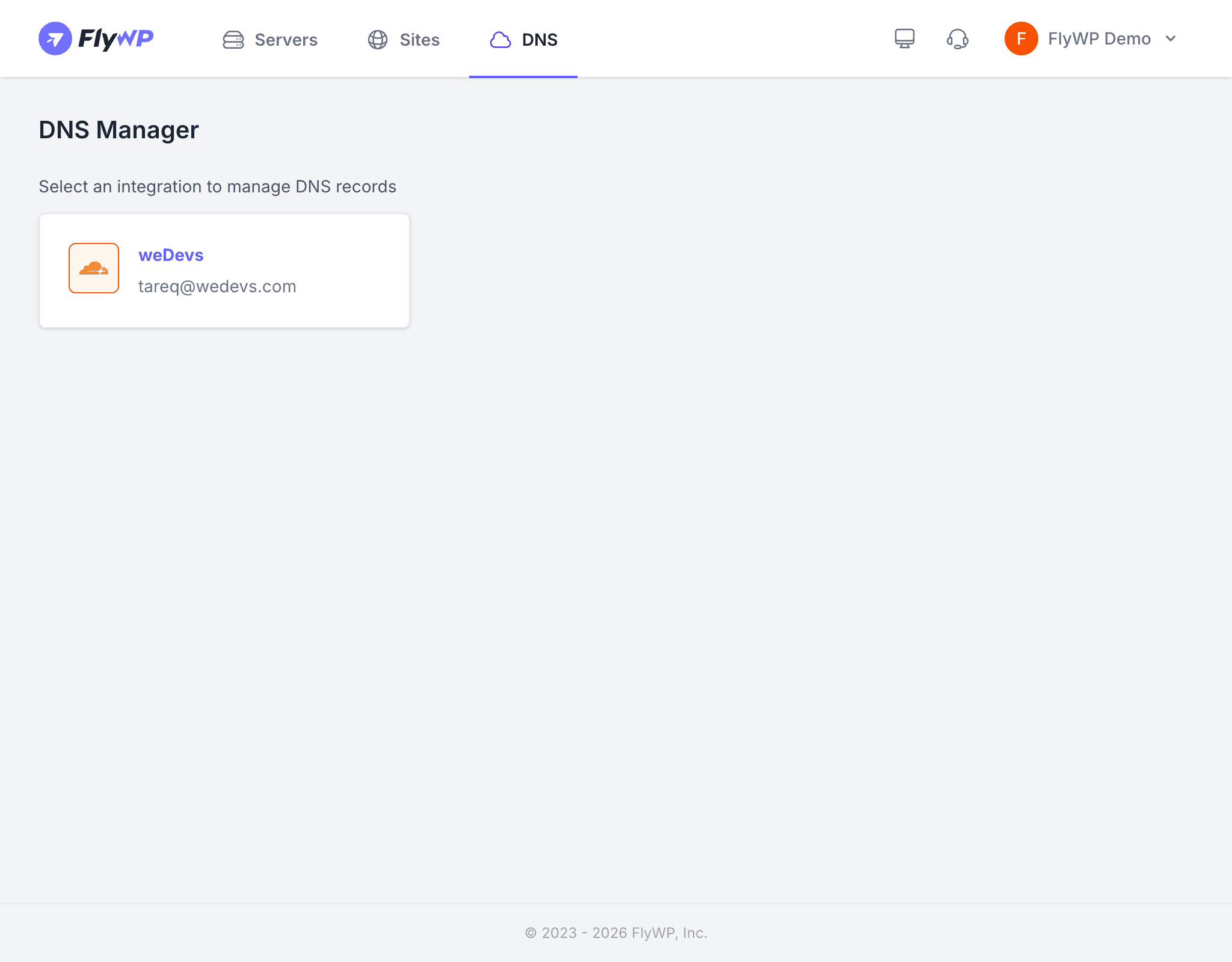
FlyWP manages DNS records through your connected Cloudflare or AWS Route 53 integrations.
Record Types
A Record
An A record maps a hostname to an IPv4 (Internet Protocol version 4) address — the standard four-part number like 192.0.2.1 that identifies your server on the internet.
| Field | Example |
|---|---|
| Name | @ (root domain) or subdomain |
| Content | 192.0.2.1 |
Use an A record to point your root domain (example.com) or any subdomain (app.example.com) directly to your server’s IP address. FlyWP automatically creates this record when you add a new site with a connected DNS provider.
AAAA Record
An AAAA record does the same job as an A record but for IPv6 addresses — the newer, longer address format like 2001:db8::1 designed to handle the growing number of internet-connected devices.
| Field | Example |
|---|---|
| Name | @ or subdomain |
| Content | 2001:db8::1 |
Add an AAAA record if your server has an IPv6 address and you want to support visitors connecting over IPv6.
CNAME Record
A CNAME (Canonical Name) record creates an alias — it points one hostname to another hostname rather than directly to an IP address.
| Field | Example |
|---|---|
| Name | www |
| Content | example.com |
The most common use is pointing www.example.com to example.com so both addresses load your site. FlyWP creates this record automatically alongside the A record during site setup. You can also use CNAME records to point subdomains to external services, such as store.example.com pointing to a Shopify storefront.
You cannot use a CNAME record for your root domain (@) — only for subdomains. Use an A record for the root domain instead.
MX Record
An MX (Mail Exchange) record tells email servers where to deliver messages sent to your domain. Without a correct MX record, email addressed to you@example.com will not arrive.
| Field | Example |
|---|---|
| Name | @ |
| Content | mail.provider.com |
| Priority | 10 (lower number = higher priority) |
Add MX records when you set up a business email service like Google Workspace, Microsoft 365, or Zoho Mail. Your email provider will supply the exact values to enter.
TXT Record
A TXT record stores arbitrary text data in your DNS zone. It has no direct effect on routing traffic, but many services use it to verify domain ownership or configure email authentication.
| Field | Example |
|---|---|
| Name | @ or _dmarc |
| Content | v=spf1 include:_spf.google.com ~all |
Common uses for TXT records include:
- SPF (Sender Policy Framework) — tells receiving mail servers which servers are allowed to send email on behalf of your domain, reducing spam.
- DKIM (DomainKeys Identified Mail) — adds a cryptographic signature to outgoing email so recipients can verify it was not tampered with.
- Domain verification — services like Google Search Console, Mailchimp, and others ask you to add a TXT record to prove you own the domain.
SRV Record
An SRV (Service) record specifies the location of a server for a particular service and protocol, including the port number. It is less common for typical WordPress hosting but required for services like VoIP, instant messaging, or game servers.
| Field | Example |
|---|---|
| Name | _service._proto.example.com |
| Content | Target hostname |
| Priority / Weight / Port | 10 20 5060 |
TTL: How Long Records Are Cached
Every DNS record includes a TTL (Time to Live) value — a number in seconds that tells DNS resolvers (the servers that look up your records) how long to cache a record before checking for updates.
| TTL Value | Effect |
|---|---|
| Auto / 300 seconds | Good default for most records |
| 60 seconds | Use before planned changes — propagation is faster |
| 86400 seconds (24 hours) | Reduces DNS lookup load; only use for stable records |
If you are about to migrate a site or change your server’s IP address, lower the TTL to 60 seconds a day in advance. That way, when you make the change, the updated record spreads across the internet within minutes rather than hours.
Cloudflare Proxy Setting
When managing records through a Cloudflare integration, A, AAAA, and CNAME records have an additional Proxy toggle:
- Proxied (orange cloud): Traffic passes through Cloudflare’s network. Your server’s real IP address is hidden, and you gain access to Cloudflare’s CDN (Content Delivery Network — a global network of servers that caches and accelerates your content) and DDoS protection.
- DNS only (gray cloud): Traffic goes directly to your server. Use this when a service needs to connect directly to your IP, such as certain mail configurations or custom port services.